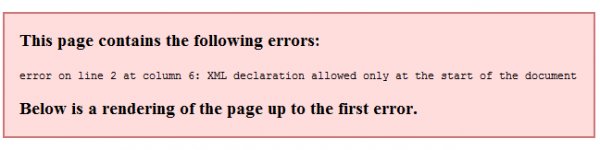
The error on line 2 at column 6: XML declaration allowed only at the start of the document on my WordPress feed is really annoying. I spent more than 10 hours trying to fix this error myself. I’m really frustrated because I’ve tried all the solutions I found online but to no avail. I’m almost about to loose hope and just pay someone on fiverr for $5 to fix my error. But my pride stopped me. I’ll be such a loser if I can’t fix this simple error myself. Other have fixed it, a $5.00 can fix it, why can’t I? (more…)
Category: Geekery
-
Worpress error on line 2 at column 6: XML declaration allowed only at the start of the document
-

Oh Great! WordPress 3.3 is now here!
Oh well, just another WordPress upgrade before the year ends. I still haven’t updated mine because my WP admin might go to havoc as I’m using Dean J. Robinson’s super awesome Fluency plugin. I really don’t want another admin panel mayhem, just like what happened before. Good thing, after a few weeks, Dean found time to update his sleek plugin and made it compatible with WordPress 3.2!

Now, Matt Mullenweg announced Sonny and this made me feel so excited because of its new awesome features. I have updated my other blogs to WordPress 3.3 (blogs that doesn’t use Dean’s Fluency admin plugin), and I loved the outcome! The admin panel is cleaner and sleeker, but still, I love fluency.
(more…) -
pRO New Chaos New IP: 202.57.117.45
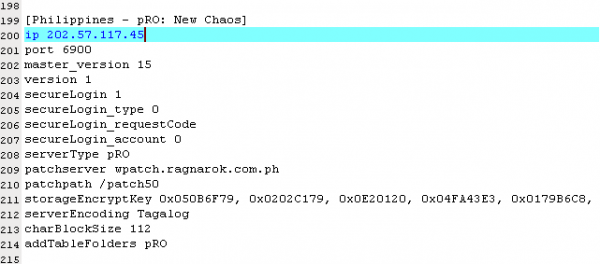
If you’re an openkore user and an avid pRO player, then you’ve noticed that you can’t connect to the server right after yesterday’s server maintenance. It’s because that the New Chaos server changed its IP from 202.57.118.232 to 202.57.117.45. You need to update your servers.txt inside your tables folder in order for you to connect your openkore bot again to the Philippine Ragnarok Online New Chaos server.
(more…) -
Modify the WordPress Tag Cloud Widget Easily
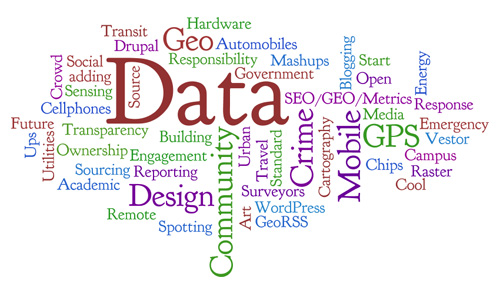
There are numerous ways of how to modify the WordPress tag cloud widget, but there’s an easy way to modify it. I searched about how to modify such, and landed on different blogs sharing different methods to modify the widget. I also landed on this page which tells everyone to modify the WordPress core. But I don’t think it’s the best solution to customize your WordPress Tag cloud.
(more…) -
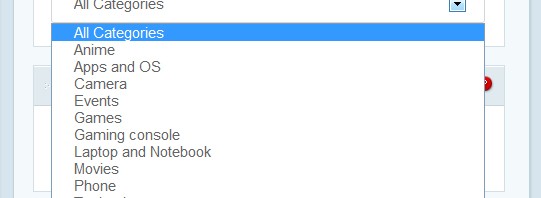
Elegant Themes ePanel: Add All Categories in Featured Category Options
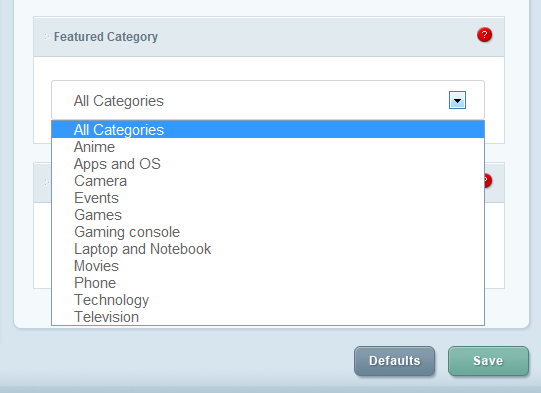
If you’re an Elegant Themes user and you’re a complete PHP noob and you want to add “All Categories” as an additional option in your featured category inside your ePanel, because by default, there are no “All Categories” option in the featured category options of Elegant Themes’ ePanel, then your search is over.
(more…) -
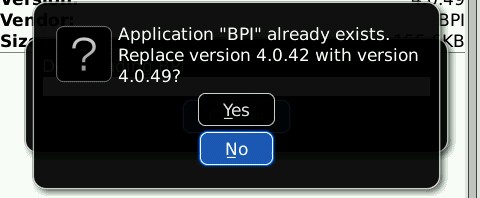
907 invalid JAR error for BPI Mobile App Version 4.0.49
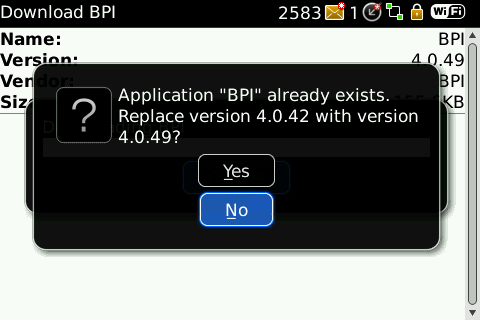
Hello BPI Mobile App users! The newest and latest BPI Mobile Banking app for all smartphone devices is now available for download. This replaces the BPI Mobile version 4.0.42. I tried to download this app today, but I’m experiencing some sort of error. The error is 907 invalid JAR unable to read short. So, I tried to Google the error, but as expected, nobody blogs or posted about the error because nobody seems to be using the BPI Mobile application for Blackberry. (more…)
-
Customizing your Fluency plugin satisfies your WordPress Admin Vanity
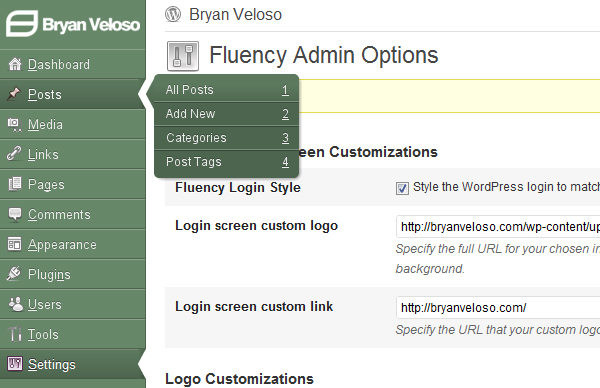
Because I’m so vain with my WordPress admin, I decided to customize my Fluency plugin. Thanks again to Dean for making this customization easy as ABC and for updating Fluency to be compatible to WordPress 3.2. This post will not teach you how to customize your own Fluency admin, because it’s so easy to do so. Even a 3rd grader can customize it in minutes. What I want to do now is showcase my awesome WP-admin, powered by Fluency. Check out the image below:
(more…) -

The Library of Congress on the web
If you’re looking for something that you cannot find in any search engines, specially Google, you can find it at the Library of Congress, of loc.gov. It’s a government owned website and it’s frequently updated about the latest additions in the library.
You can access digital collection at loc.gov. You can freely browse about the American History archives, Historic Newspapers, International Collections, Legislative Information, Prints and Photographs, Veterans History, Early Sounds Recordings, and a lot more!
(more…)