Tag: Wordpress

  • WordPress Theme with Dark Mode using the 2021 Theme!

    WP default themes keep on getting better and better. Now with the default Twenty Twenty-One theme, you have an option to support dark mode. Then you can toggle it on and off using the button on the lower part of your screen.

    BryanVeloso.com is now using the latest default theme for 2021. It’s a one column with 3-column footer for widgets. It’s pretty straightforward, simple and fast. You can add your logo in the header, and that same logo appears in the lower left part of your footer.

    Simplicity is what makes this blog theme special. You can also make your post show the full posts by default, or just an excerpt of your blog post in the customization settings. No need to add “read more” on every blog post you make.

    This theme is simple, fast, elegant, and modern. You’ll love it if you’re a minimalist like me. The default light mode and dark mode colors adapt well in all colored logos with transparent background.

    I didn’t adjust me logo color anymore to adjust with the theme’s default color options. It simple works, good to the eyes, and UI is fantastic.

    I’ll be using this theme for the entire year of 2021 until the WordPress Twenty Twenty-Two theme is released.

  • JetPack is getting smarter and smarter

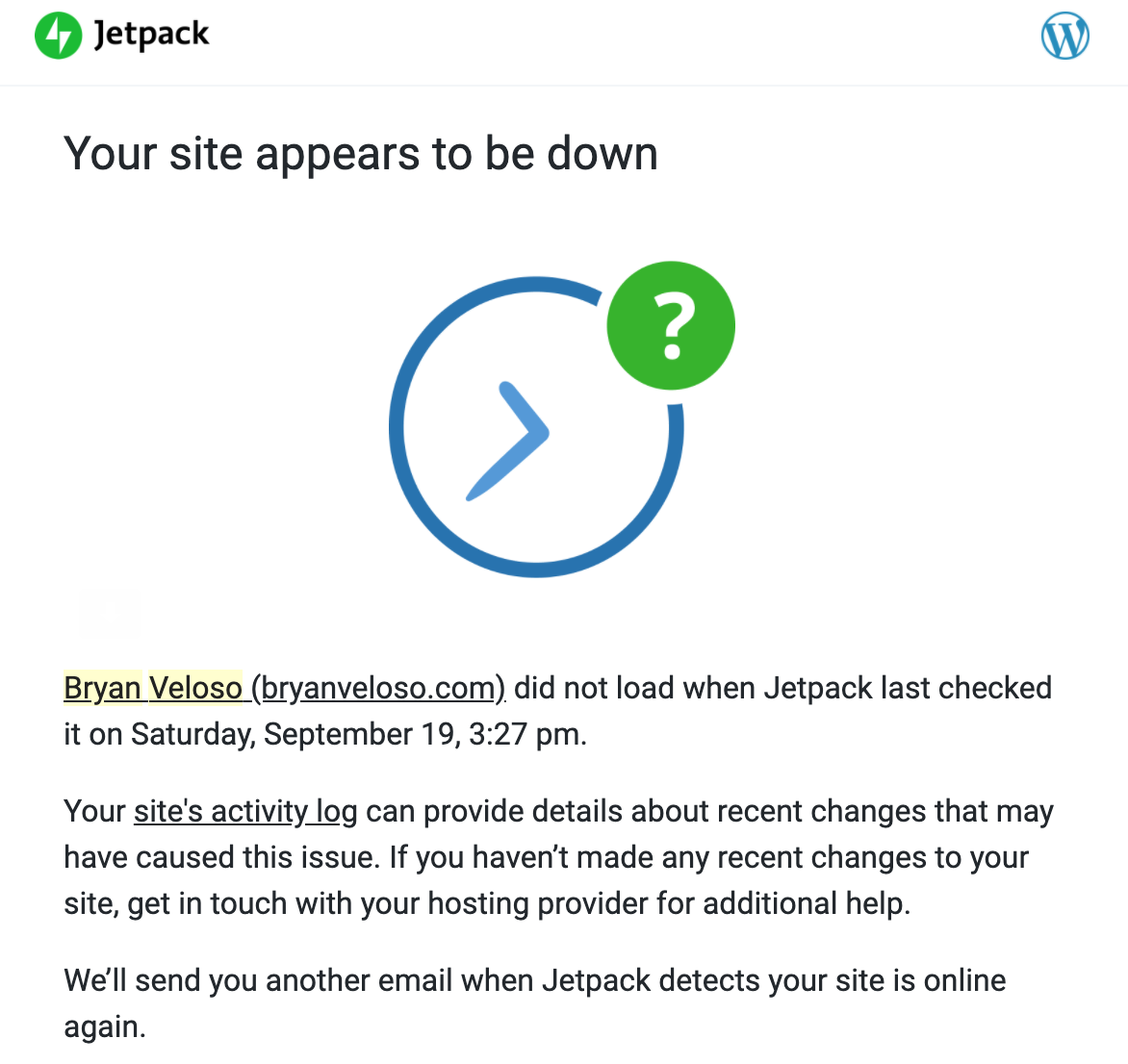
    Recently today, I upgraded my PHP version to 7.4.4. After a few minutes, I received an e-mail that my website is offline. It says that “Your Site is Experiencing a Technical Issue”. But good thing, I have JetPack. Gone are the days when your WordPress website is down or just blank white, and you don’t know what to do.

    Now, non-living things are getting smarter and smarter. I now know why my website is down and what’s the root cause of the issue. No need to troubleshoot it anymore. You’ll receive a link to enter your website in “recovery mode”, and you will also receive via e-mail all the details about which plugins caused the issue.

    Mine was this:

    Current plugin: Audio player (version 2.0.4.6)

    Error Details
    =============
    An error of type E_PARSE was caused in line 903 of the file /wp-content/plugins/audio-player/audio-player.php. Error message: syntax error, unexpected ‘new’ (T_NEW)

    So I just went ahead to my server and deleted that specific plugin that I don’t even use anymore. And eureka! My website is back online! Easy peasy right?

  • The extremely annoying WordPress 4.8 and its Visual Editor in Text Widgets

    Yes, it’s extremely annoying. It should be optional in the first place. Let’s wait for the WP guys to fix this issue once and for all. I hope WP 4.9 will make it optional, or just completely remove it. This. Is. So. Annoying.!!!

    For the meanwhile, you can use this plugin:
    https://wordpress.org/plugins/add-paragraphs-option-to-text-widget/

    Or just wait for the future release of WordPress.

    And nope. I am not alone. There are a lot of us:
    https://wordpress.org/support/topic/how-to-disable-visual-editor-in-the-text-widget/
    https://wordpress.stackexchange.com/questions/269719/can-the-new-4-8v-text-widget-visual-editor-be-removed

    And more. Oh please, Matt… for the sake of all the people of the universe, just disabled the visual editor in text widgets. T_T

  • Early switch to Twenty Seventeen, Google AMP, and Coraleen Waddell

    This year is an awesome year for me. I learned a lot of stuff, even if I’m too lazy to learn something new, I just switched my theme to the newest default WordPress theme called Twenty Seventeen, I installed a plugin by Automattic to automatically activately Accelerated Mobile Pages for this blog, and I was surprised the Coraleen Waddell suddenly got famous and everything some random netizen out there stumbles upon this blog, searching for her name.

    In fact, all the recent search terms at bryanveloso.com are all related to Cora Waddell. People are searching for her naked pictures and stuff like that, even though they cannot find one. Why if there’s someone pretty on TV, they just want to see that pretty girl naked or having sex or just doing something naughty. I bet these maniacs are masturbating everything, thinking of Cora having wild sex with them.

    Coraleen is undeniably pretty, probably one of the prettiest girls in the universe. But hey, stop fantasizing about her, and get a life. Go create a blog, install the latest WordPress theme, and install AMP plugin by Automattic, just like me. And just get a life! Do something productive like watching Netflix. Yes, watching Netflix is actually productive. I’ve learned a lot of new things by just watching Netflix everyday. Stop wasting your time searching for the naked pic of Cora, just stop, please!

  • Formidable Calendar Custom Time Slots Per Hour of the Day

    Formidable form building is one of the best and most extensive, fully customisable, WordPress plugin out there. You can create all types of forms you can think of. From a simple contact form, to a complex booking form, or even a full-featured user database with lots of filters and search features.

    But even if Formidable Pro is this powerful, there are still some things that Formidable Pro cannot do. One is allowing different number of slots per hour of the day. Out of the box, Formidable’s calendar and time field can let you limit the number of slots per day by a few lines of code.
    (more…)

  • Attach unattached images in WordPress automatically after migration

    Attach unattached images in WordPress automatically after migration

    attach-unattached
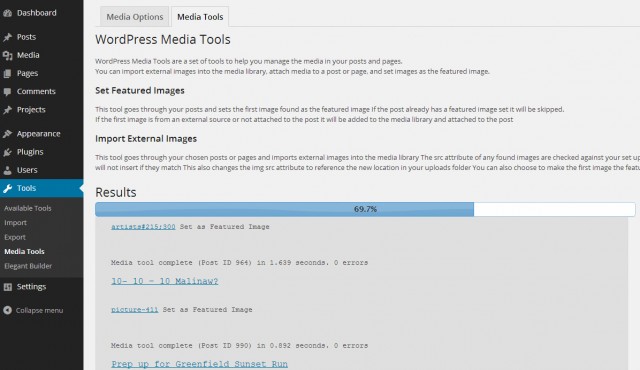
    Most of the time, after every WP migration, specially if you’re migrating from WordPress.com to a self-hosted WordPress blog, your images inside your media library will automatically become unattached. You can fix this manually by editing each and every image in your media library and attaching it to the specific post where it was attached before migration.
    (more…)

  • Delete WordPress Comments based on IP Range

    Delete WordPress Comments based on IP Range

    delete-based-on-comment-ips
    First of all. Happy new year everyone! This is my first post for the year 2014, and I would like to share a useful MySQL snippet wherein you can delete a series of comments based from an author’s IP. We all know for a fact that akismet can’t block all spam comments. My blog itself has a lot of spam comments lately, and I’ve been having a hard time delete it one by one.
    (more…)

  • Rocket Loader in CloudFlare is now fixed!

    Rocket Loader in CloudFlare is now fixed!

    Last week, Rocket Loader seems to be weird. It doesn’t load the Adsense ads and other external javascripts. Some JS files in my theme doesn’t load as well. My floating menu in my other blog was fixed, and a lot of bugs occurred, a lot of jQuery files malfunctioned. Most of the super awesome features of my blog didn’t work after activating it. So I decided to deactivate it and filed a support ticket inside my CloudFlare account.

    After a few days, I added a few plugins (Social Buttons via WordPress.com Jetpack) and other WP plugins that will add more external javascripts in my WordPress blog. To my dismay, my grade of 99% in Google PageSpeed went down to 89%! An extra 10 external javascript files was added in my source code!

    rocketloader

    I’m so freaked out and sad at the same time so I re-enabled Rocket Loader. At first, I thought Rocket Loader didn’t work because nothing changed in my blog. All javascript files are working, the Adsense ads and other third party ads are loading just fine. And everything is just right, like nothing’s changed.
    (more…)