Blog

  • So many WP updates, so little time!

    Just found out that there’s a new version of WordPress! Since I haven’t upgraded my blog for a long time, I’m upgrading it now. Last version since I last logged in was 5.7.3. Now I just jumped to 5.8.1. What’s new here? I really don’t know. I guess there’s something new with the text editor but I’ve been using the Classic editor plugin and I don’t plans in switching for the next 10 years or so.

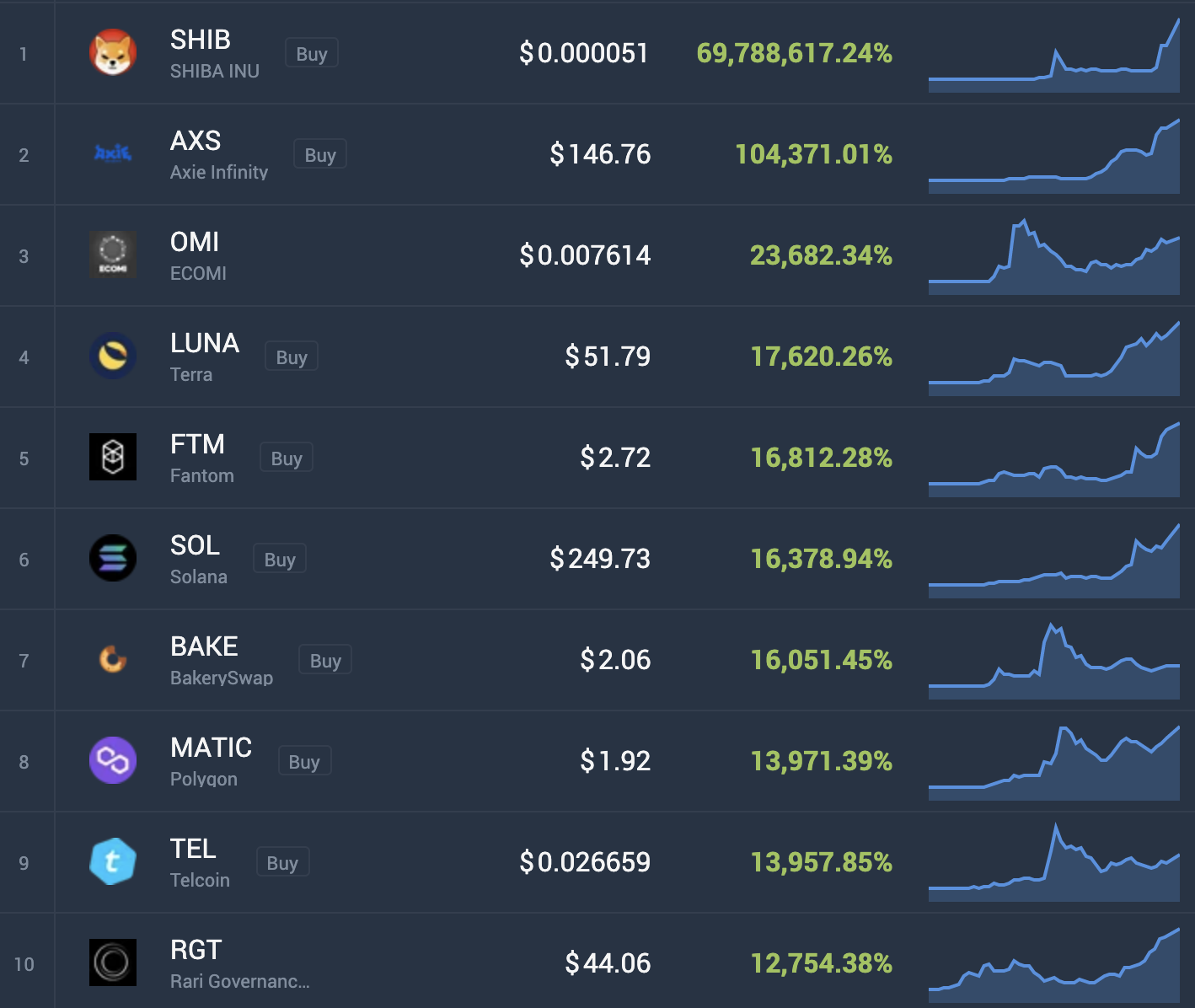
    What kept me busy during the last few months? Aside from my work here in Singapore, I’ve been busy with trading cryptocurrencies. I’m into DeFi and NFTs too!

    I added a new category here in my blog called “Cryptocurrency” and will be updating this more often as I have a lot to share on my crypto journey! Stay tuned!

  • WooCommerce: Add a product to cart automatically based on another product’s variation ID

    If you want to add a product to your cart based on another product’s ID or variation or a configurable product, then this code snippet might help. Was searching how to do this until I found one in Stack Overflow. The function is based on the first code example on this website post:
    https://www.tychesoftwares.com/how-to-automatically-add-a-product-to-your-woocommerce-cart-in-3-different-scenarios/

    Basically, that code adds a specific product to cart based on the item’s category. So If added a product from category XYZ, then another item, a free one or not, will also be added to your woocommerce cart automatically.

    But what if you want to add a product based on the options selected on a configurable product / variable product. Then the code below will help do exactly what you need

    function bv_atc() {
    if ( sizeof( WC()->cart->get_cart() ) > 0 ) {
    foreach( WC()->cart->get_cart() as $cart_item_key => $values ) {
    $a = array(10,20,30);
    $b = array(40,50,60);

    if( in_array( $values['variation_id'], $a ) ) {
    WC()->cart->add_to_cart(1);
    } else if ( in_array( $values['variation_id'], $b ) ) {
    WC()->cart->add_to_cart(2);
    } else {
    //if you want to do something else like adding a random item, do it here.
    }
    }
    }
    add_action( 'woocommerce_add_to_cart', 'bv_atc', 10, 2 );

    Just add the code snippet to your functions.php and replace the values in the array. In my array I have two sets of items. Each item will add a different product to cart.

    Just add more if conditions if you have other items that you want to be added to your cart based on the selected variations of a specific product.

    Credits to Shaikh at Stackoverflow:
    https://stackoverflow.com/questions/68077784/check-if-this-variation-id-exists-in-cart-then-add-another-item-to-cart

  • Divi Blog Grid breaks when Minify JavaScript Files is enabled

    If you’ve noticed that your Divi blog grid breaks after you enable JS minifaction using any plugin, then you just need to exclude the custom.js from /themes/Divi/js/custom.js to be minified. This will fix the issue.

    I haven’t checked what’s in this Javascript file yet that doesn’t want to be minified, but that fixes the problem anyway.

    I encountered this first when I enabled Minify JavaScript Files using SG Optimizer plugin. Not sure if it’s the same issue with other minification plugins, but I suppose it is.

    For other Divi issues or question you may have, please don’t hesitate to leave a comment below. I will gladly help you out.

  • Better late than never! Just upgraded to WP 5.7!

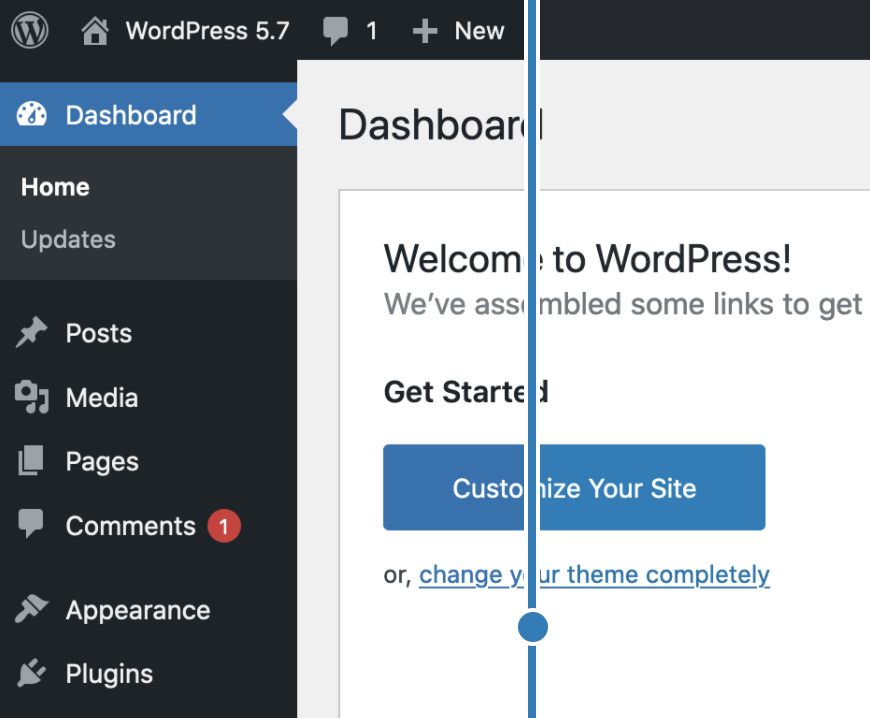
    Yep, I do manual updates and I recently updated this WP blog to the latest version, which is 5.7. On a user’s perspective, nothing seems to be new as I’m using the classic editor. I hate the Gutenberg editor and they have a new one now, it seems like Gutenberg, but an improved one.

    Automattic also said that the dashboard has a simplier color palette. But I didn’t notice any significant difference. Only the button seems to be using a lighter blue color compared to the blue color before.

    As you can see in the screenshot below, nothing’s really new.

    Looking forward for more WordPress updates in the future. For now, I’ll still be using the classic editor. It’s simple, it’s clean, and it’s classic. No other drag and drop gimmicks, just plain old text and plain old code. You can actually do whatever you want with no code bloat vs dnd page/post editors.

  • Error Reference: invalid certificate csr (ZeroSSL)

    If you’re renewing your SSL and selected autogenerate CSR and it’s always invalid, then you’re just encountering a temporary error.

    I always get this “An error occurred. Please try again or contact support. (Error Reference: invalid certificate csr)” when renewing my Let’s Encrypt Certificate via ZeroSSL.

    If you Paste your own generated CSR or manually generate CSR, it still doesn’t work.

    Only issue here is that it’s a temporary error.

    Just try it again later. Retried it after an hour via ZeroSSL dashboard, then it’s now working. Didn’t do anything to make it work. Just be patient and retry later.

  • My EasyTrip sign-up doesn’t work anymore

    Do not bother signing up at https://mptc.outsystemsenterprise.com/MyEasytrip/Registration because it doesn’t work anymore and nobody will answer your questions via e-mail.

    Just reload your EasyTrip account at https://easytrip.reload.ninja/. Easy trip ain’t gonna give you an easy trip.

    You will always get an Account details didn’t match message when you attempt to sign up at EasyTrip.ph. What a useless website.

  • Inverter vs Inverter Grade Air-conditioner

    Ok, so I’ve been googling about Inverter vs Inverter-Grade Air-conditioners to find out what’s the main difference between these two, but I found nothing. You will only see results about Inverter and Non-Inverter types, or Inverter Grade types only, or Inverter Only. There’s no clear comparison or even a blog post or article about Inverter and Inverter Grade aircons.

    Fujidenzo window-type Air-conditioners have both inverter and inverter Grade Air-conditioners, and also, they have a non-inverter aircon.

    Inverter are twice as much as expensive as inverter Grade, and inverter Grade are slightly expensive that non-inverter.

    So what’s the difference? Only the price. I will do further research about the difference between an Inverter and an “Inverter Grade” aircon.

    Right now, you cannot find a single article online explaining “Inverter vs Inverter Grade”. Chances are, you’ll read this blog post because you googled the same keywords I googled.

    You’re welcome! LOL!

    I’ll update this post if I find anything about its differences. Or feel free to leave a comment below if you know the difference between an Inverter and inverter Grade aircon
    .

  • Third Party Smart Plugs in Alexa App / Amazon Echo stopped working

    Since December 2020 last year, third party plugs such as GoSund Smart Plugs connected via Smart Life or Go Smart App through Amazon Alexa Skills stopped working.

    You need to disable the skill then re-ensbled it again via the Alexa App to make it work. It works for a few days or minutes, then it will become unresponsive again.

    Relinking, uninstalling then reinstalling the app will fix it temporarily then it will become unresponsive again.

    GoSund or Alexa support will just suggest the common troubleshooting methods that I mentioned. So if you encountered the same issues as I am, then just do the basic troubleshooting methods I mentioned.

    There’s no absolute fix yet. I suggest if you’re new to Alexa / Amazon Echo devices, just buy the official smart plugs. My official Amazon smart plug didn’t stop working when all else aren’t working.

    Third party smart plugs still work via their respective apps. It just doesn’t work seamlessly via voice commands through Alexa.